

You have been Pre-Enrolled to use SMS/Text Authentication
The cell phone you have on file with Registration and Records is used for SMS authentication by default.
IMPORTANT:
Please make sure we have your current cell phone number on record. If you are a current student, please use this Quick Guide to Review your Current Contact Information and follow the instructions on how to update it if necessary. Alternatively, you can complete and submit the Student Information Change Form in-person or via fax or email providing a wet signature. Electronic signatures will not be accepted unless sent from your Waubonsee student email.
Contact Registration and Records for help with your student record.
Please make sure we have your current cell phone number on record. If you are a current student, please use this Quick Guide to Review your Current Contact Information and follow the instructions on how to update it if necessary. Alternatively, you can complete and submit the Student Information Change Form in-person or via fax or email providing a wet signature. Electronic signatures will not be accepted unless sent from your Waubonsee student email.
Contact Registration and Records for help with your student record.
Duo Mobile App is Recommended!

Although you have been pre-enrolled into SMS authentication, we strongly recommend that you use the Duo Mobile App to authenticate securely and easily.
Benefits of using Duo Mobile:
- It's free and available for Apple and Android devices. See installation instructions.
- No need to type in a code - simply receive a push notification to approve authentication requests.
- Set your device up as a tablet if it does not have a phone number, or if you do not want to share your phone number for your smart phone.
- Receive push notifications over Wi-Fi. This is helpful when you're in an area where you cannot get a cellular signal, or when traveling abroad.
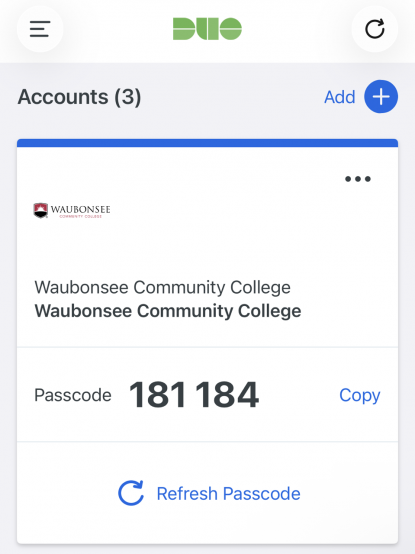
- Use the Duo Mobile app even if you are offline and have no access to data, via the Duo Mobile passcode option (see Other Non-Standard Options below).
For more info on authenticating with the Duo Mobile App, see:
Authentication Options
If you are using the Duo Universal Prompt, the default authentication method will either be your last used method or the most secure method you have registered.
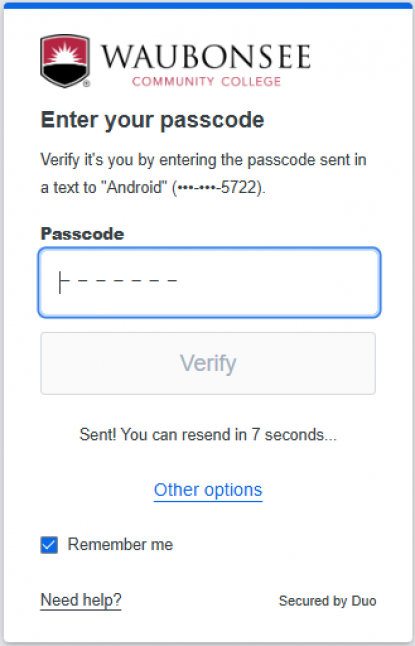
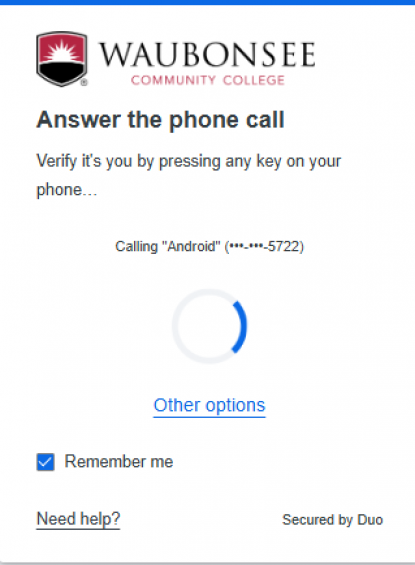
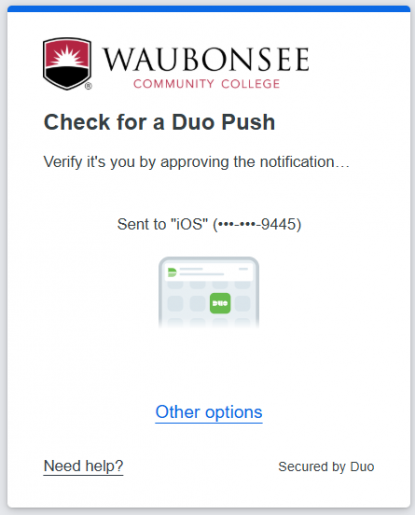
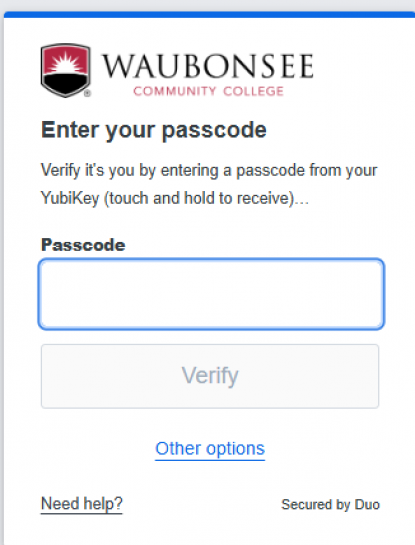
If you'd like to choose a different authentication method you can do so, by clicking on 'Other options' at a Duo Universal Prompt or the drop-down arrow at a Duo prompt, as indicated by the screenshots in the menu below:
SMS/Text
Phone Call
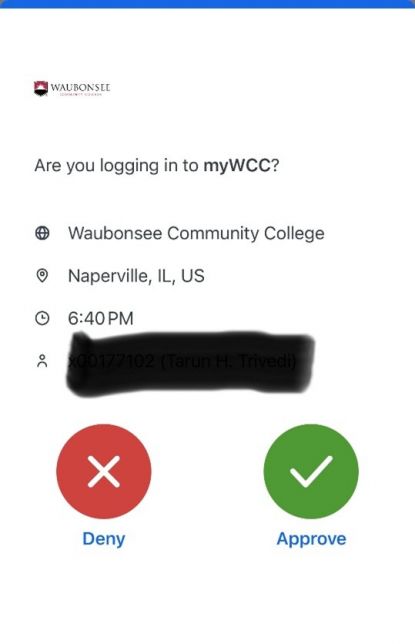
Duo Mobile - Push Notification
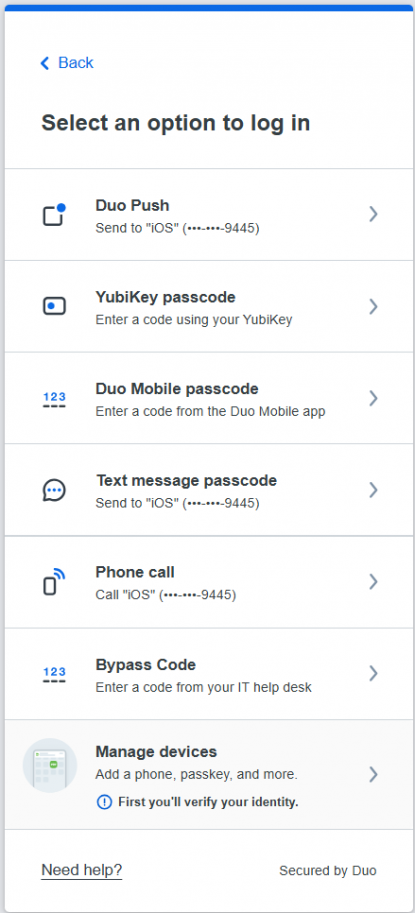
Other Non-Standard Options
Need Help? Contact Us

If you have any questions about multi-factor authentication or need further assistance, contact the Technical Assistance Center (TAC) Help Desk:
- Email tac@waubonsee.edu
- Call (630) 466-4357
- Create a ticket via ServiceDesk
