





Always Here to Help
Registration and Records
(630) 466-2370
Virtual Hours:
8 a.m. - 6:30 p.m., M-W;
8 a.m. - 4:30 p.m., Th-F
Online Chat in mywcc
Sugar Grove

Student Center, Second Floor
8 a.m. - 6:30 p.m., M-W;
8 a.m. - 4:30 p.m., Th-F;
Aurora Downtown
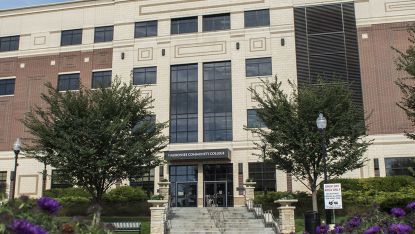
Student Services Suite, First Floor
8 a.m. - 6:30 p.m., M-W;
8 a.m. - 4:30 p.m., Th-F;
Aurora Fox Valley
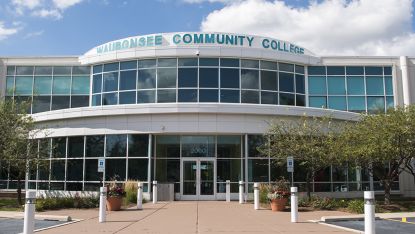
Student Services Suite, Second Floor
8 a.m. - 4:30 p.m., M-T, Th-F;
8 a.m. - 6:30 p.m., W;
Plano

Student Services Suite, First Floor
8 a.m. - 4:30 p.m., M, W, Th-F;
8 a.m. - 6:30 p.m., T;
